




Getting started
Placing an order takes three things: sign in, fill the basket, pay.
Signing in
Open the address your supplier gave you. Depending on how they have set things up you may see a welcome screen first – use the sign-in button on it. Your account is the same one you would use on their ordinary shop.
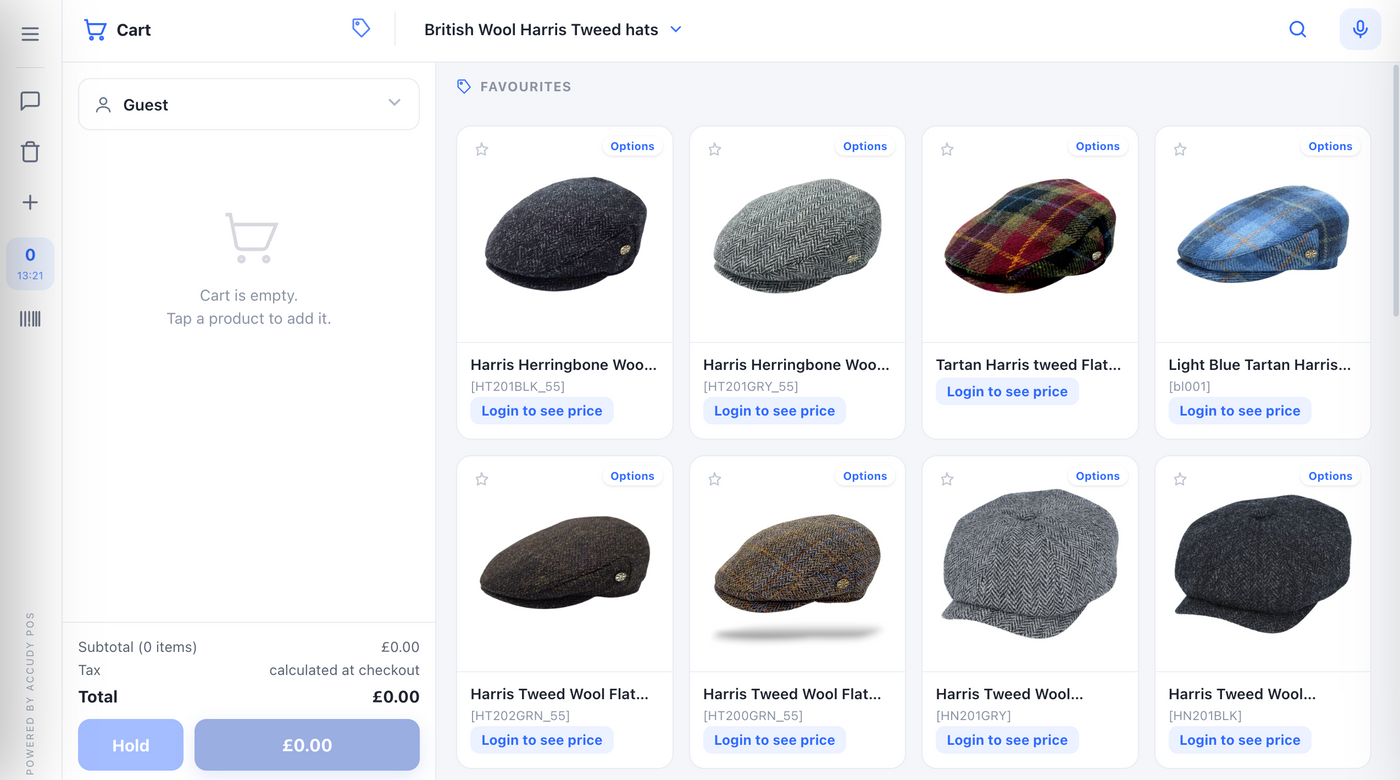
Some suppliers hide prices until you are signed in. If you see “Login to see price” instead of figures, that is why.
Waiting for approval?
Some suppliers approve trade accounts by hand. If you register and land on a “your account is being reviewed” screen, nothing has gone wrong – they have to open the account at their end, usually within a working day. There is often a contact button on that screen.
Finding your way around
The screen is in two halves. Your basket is on the left, the products are on the right, and a narrow tool rail runs down the far left.
| Where | What it is for |
|---|---|
| Basket (left) | Everything you are about to order. Quantities, running total, and the button that takes you to payment. |
| Products (right) | What you can order. Search at the top, categories beside it. |
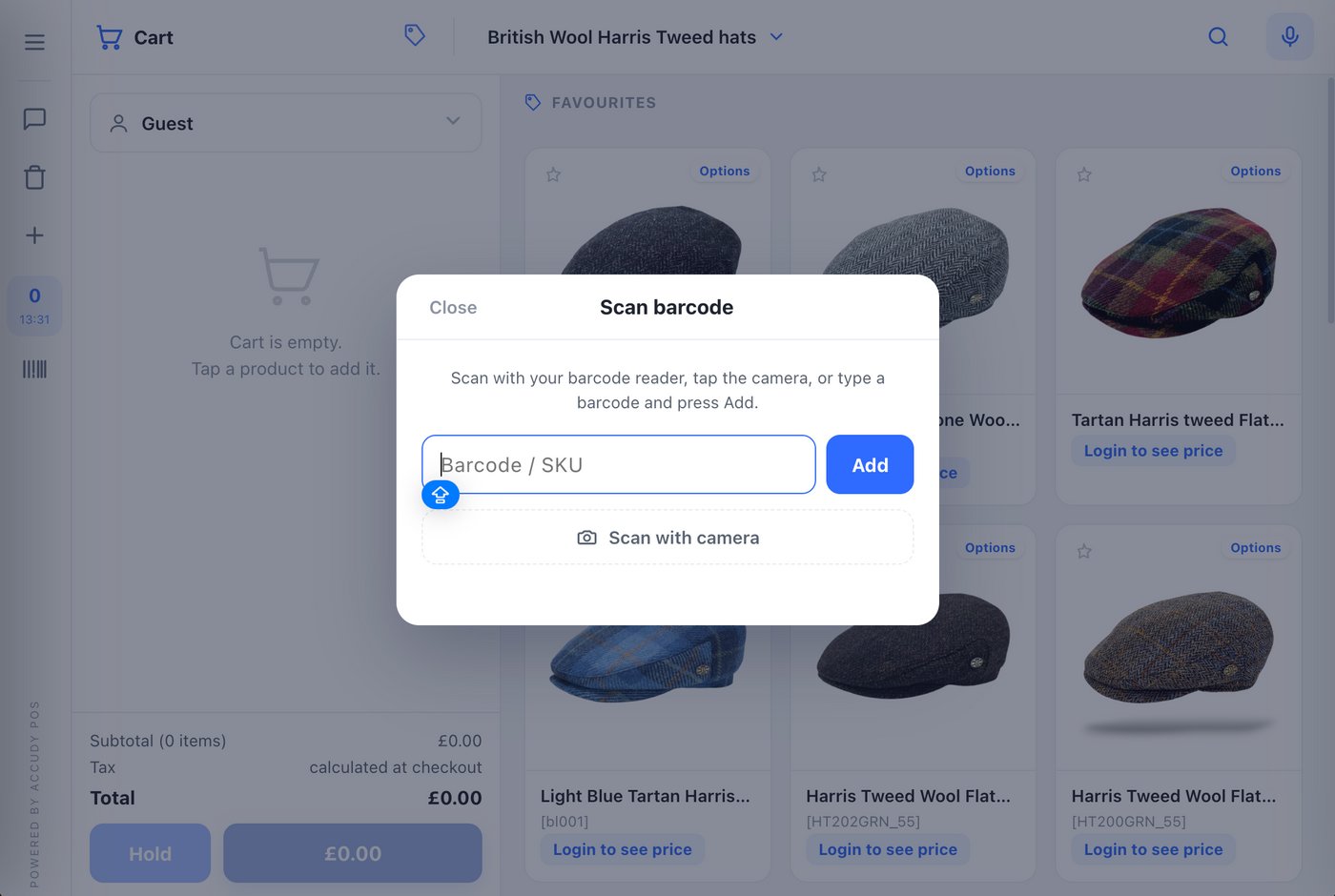
| Tool rail (far left) | Menu, messages, empty basket, add a custom item, session tally, barcode scanner, help, notifications. Which icons appear depends on what your supplier has switched on. |
No row here matches that search.