Straw Fedora Hat With Band
A-SH378BLK_S
£16.00
 B2B POS Dynamic Brochure Export
Released
Dynamic Brochure Export
B2B POS Advanced Filter
Released
Advanced Filter
B2B POS Click & Collect
Scheduled
Click & Collect Feature
B2B POS Dynamic Brochure Export
Released
Dynamic Brochure Export
B2B POS Advanced Filter
Released
Advanced Filter
B2B POS Click & Collect
Scheduled
Click & Collect Feature
Ready to tell us about your project? We are a Shopify Agency, who design, develop, support & grow Shopify & Shopify Plus stores.
Get in touchSearch
Shopify SEOTechnical SEO for Shopify stores Ecommerce SEOGrow your organic rankings Ecommerce AI SEOAI-powered search optimisation Ecommerce GEOGet found in AI answers Ecommerce SEO MigrationsMigrate your SEO contentLaunch
Custom Store ProjectDesign & launch a bespoke store Shopify MigrationsMigrate or replatform to Shopify Shopify App DevelopmentLaunch a Shopify app IntegrationsConnect your store to other services ACCUDY AiAgentic commerce for your store Pricing & PackagesFixed-price Shopify developmentSitelab · Helpdesk
Conversion Rate OptimisationGrowth-focused testing and strategy Support & MaintenanceTechnical support retainer AuditsDesign, technical & SEO audits InternationalisationExpand your store globally Selfcheckout B2B WEBPOSSelf-checkout B2B WEBPOSRetain
Email & SMS MarketingRetain more customers online Klaviyo AgencyKlaviyo flows and campaigns B2BSell B2B with Shopify SubscriptionsMaximise recurring revenueThe real POS, running on real products. Nothing you do is saved and nothing reaches an order - press whatever you like.
Works in any browser.
This is the actual POS, not a video of one. Nothing you do here touches a real order, so add what you like and press whatever you want.
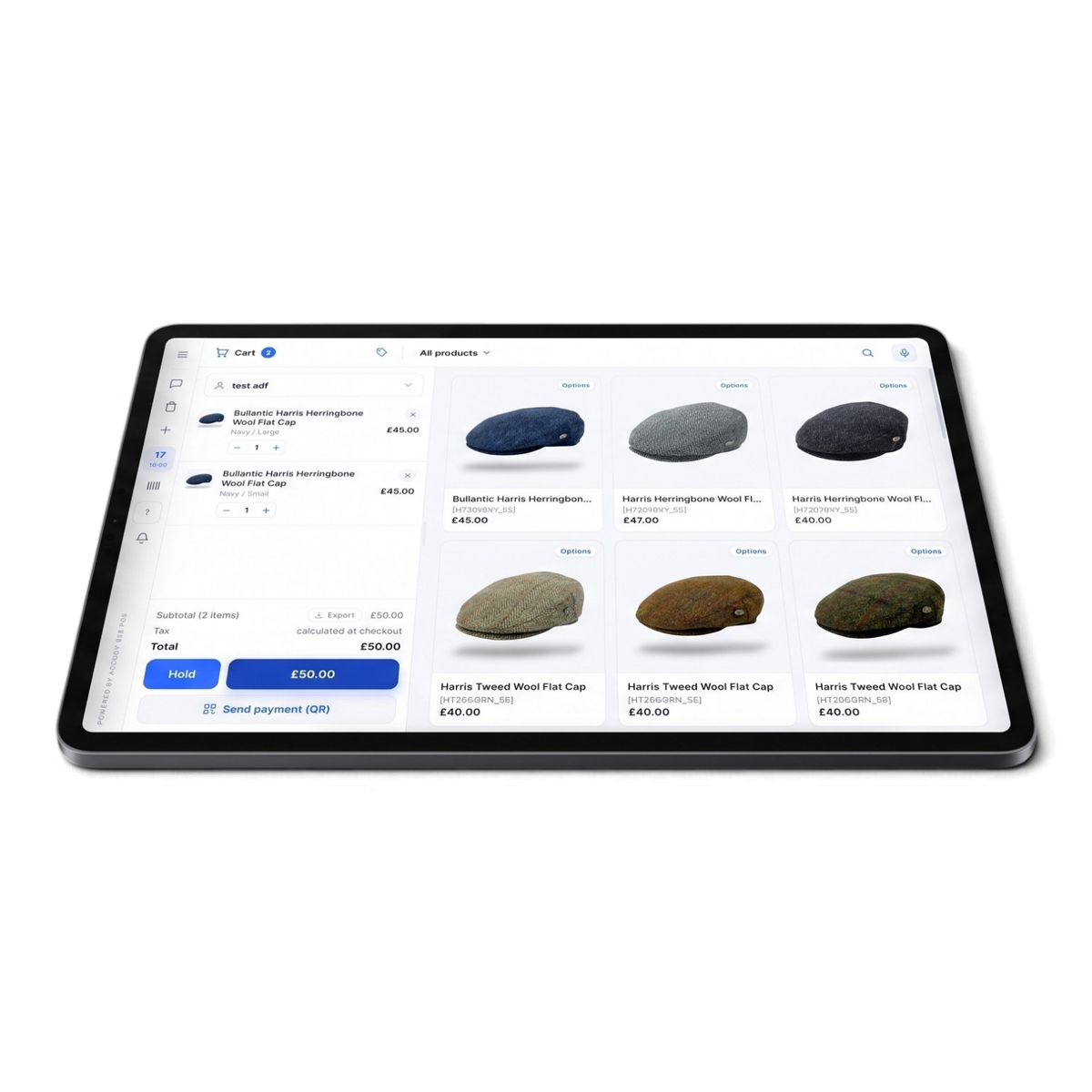


Best on a laptop. Nothing you do is saved.
Nothing ticked off yet.
Plays through on its own. Take the controls whenever you want.
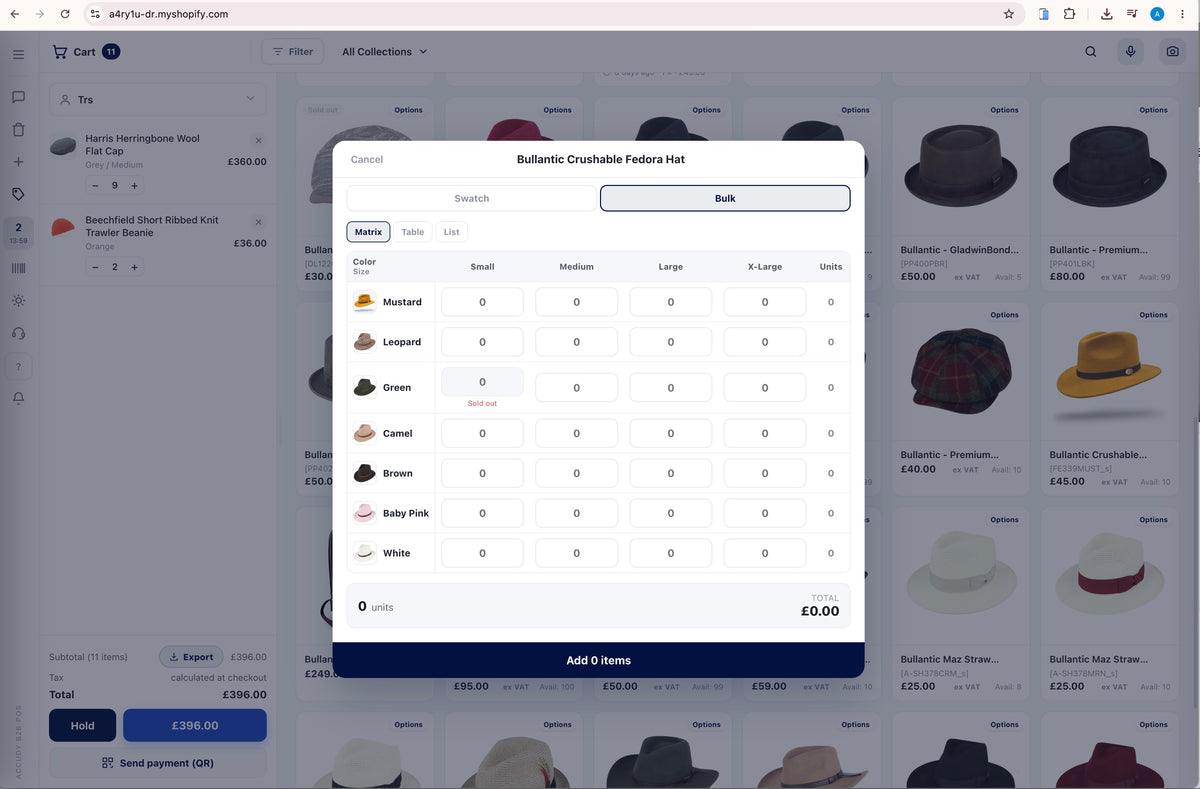
| ColorSize | Small | Medium | Large | X-Large | XX-Large | Units |
|---|---|---|---|---|---|---|
| Navy | 0 | |||||
| Grey | 0 | |||||
| Black | 0 |
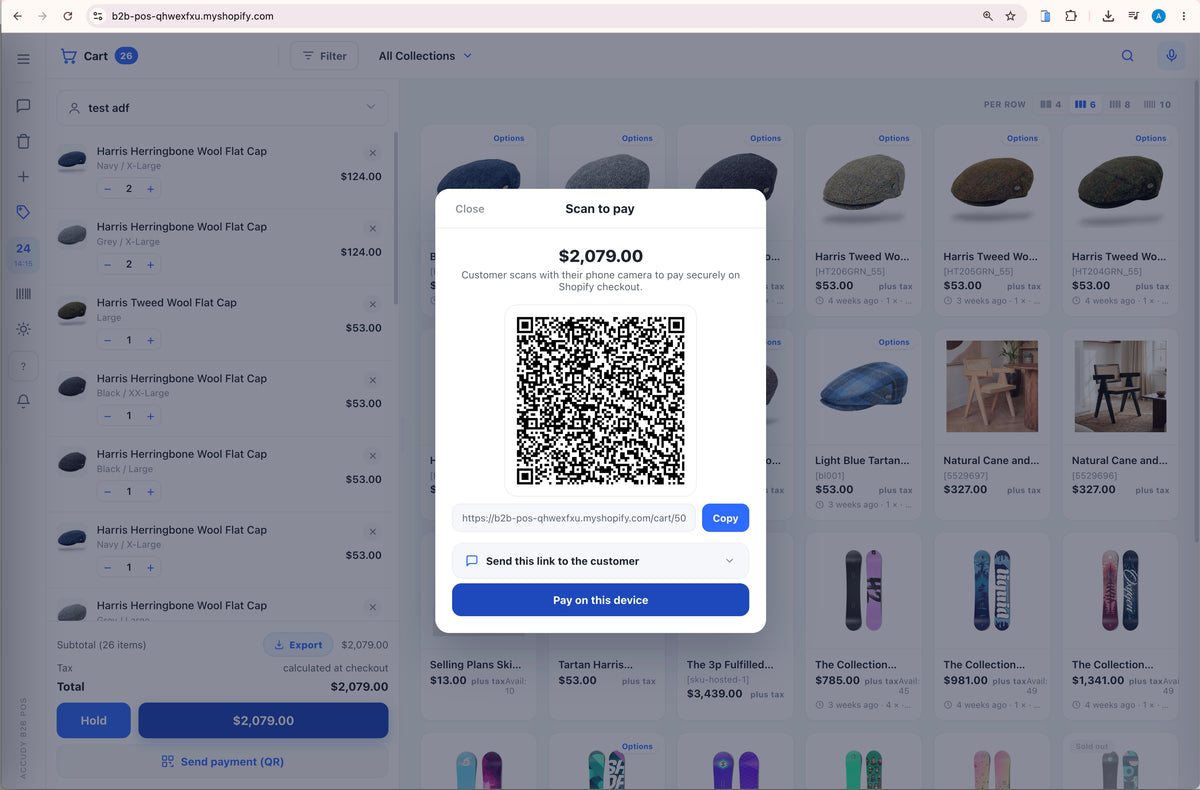
The customer scans with their phone camera and pays securely on Shopify checkout.
Tap a category to explore what’s inside. Almost every feature has an on/off switch in Theme settings.
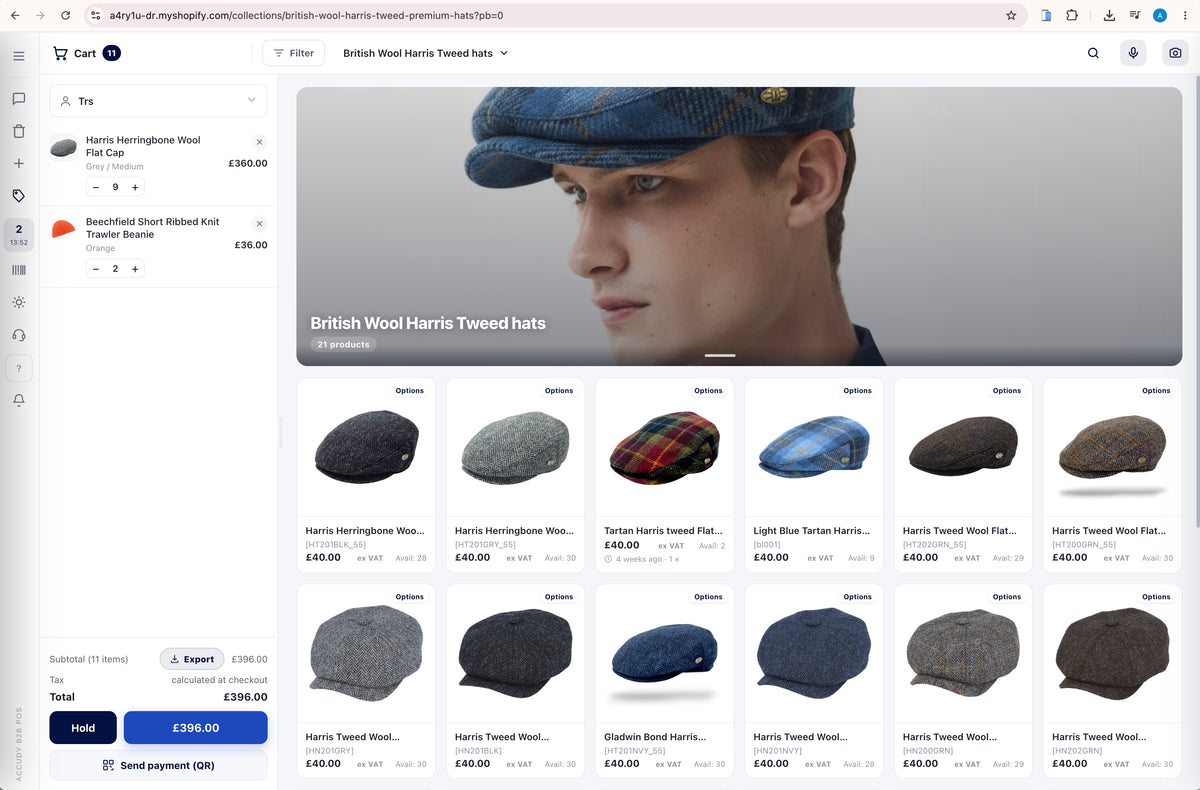
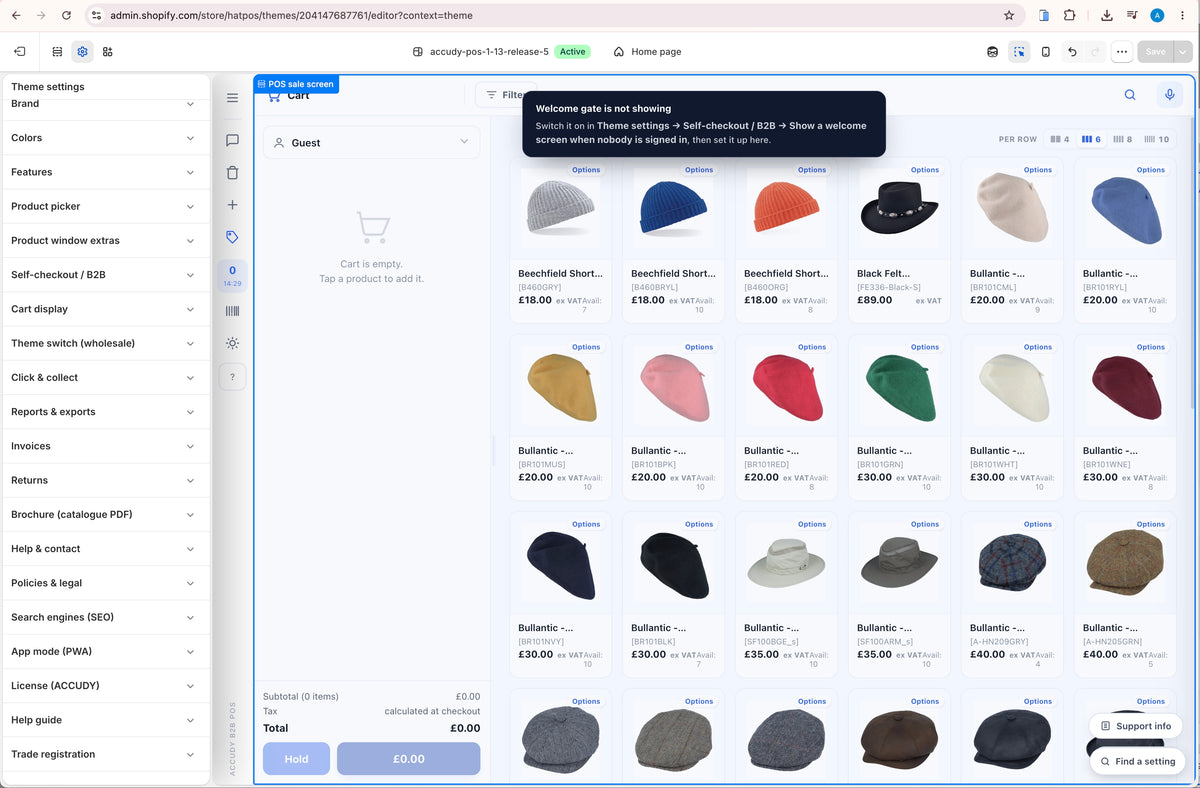
A register-style UI built for speed on any screen.
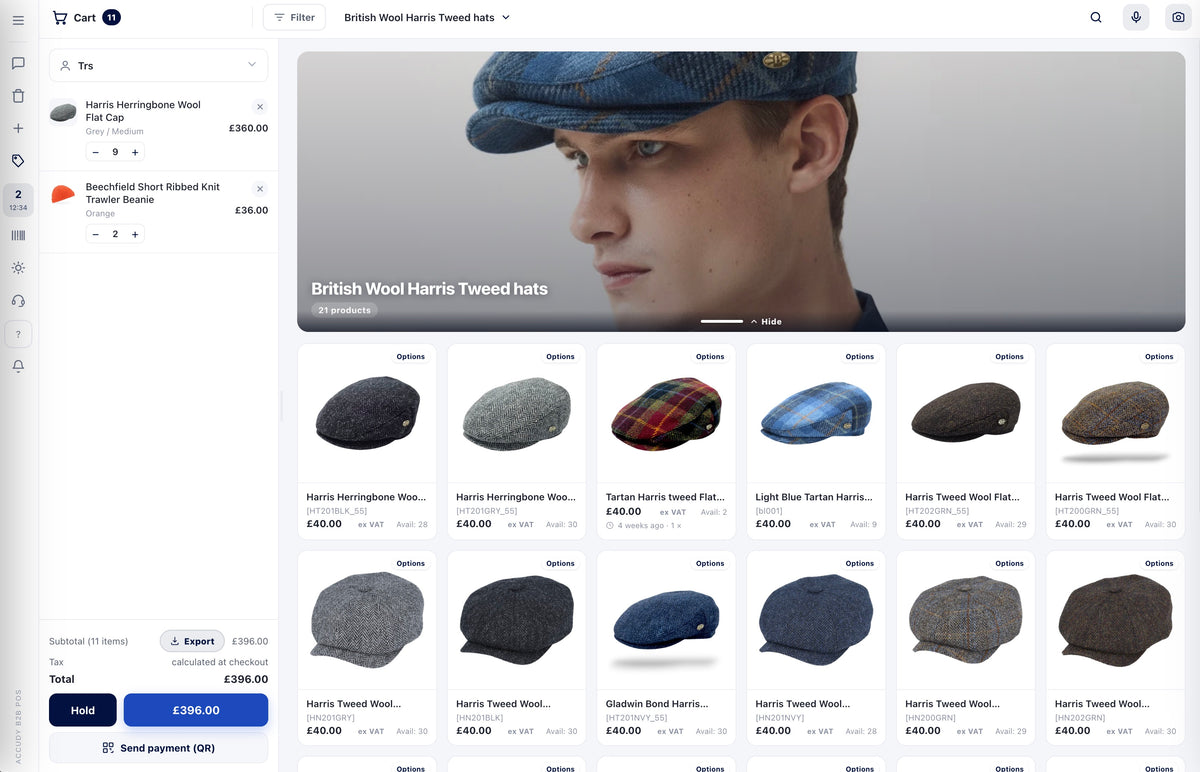
Find any product in seconds.
Colour swatches, size chips, live price and stock.
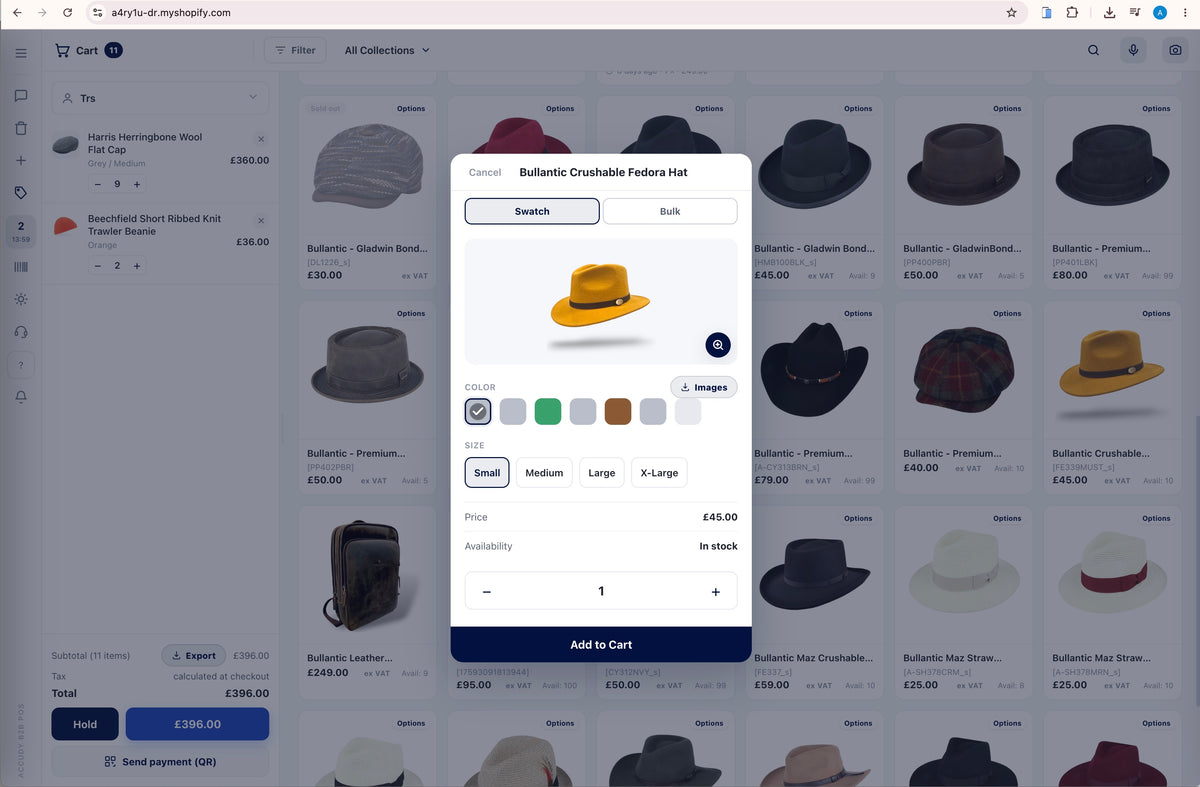
Colour swatches, size chips, live price and stock.
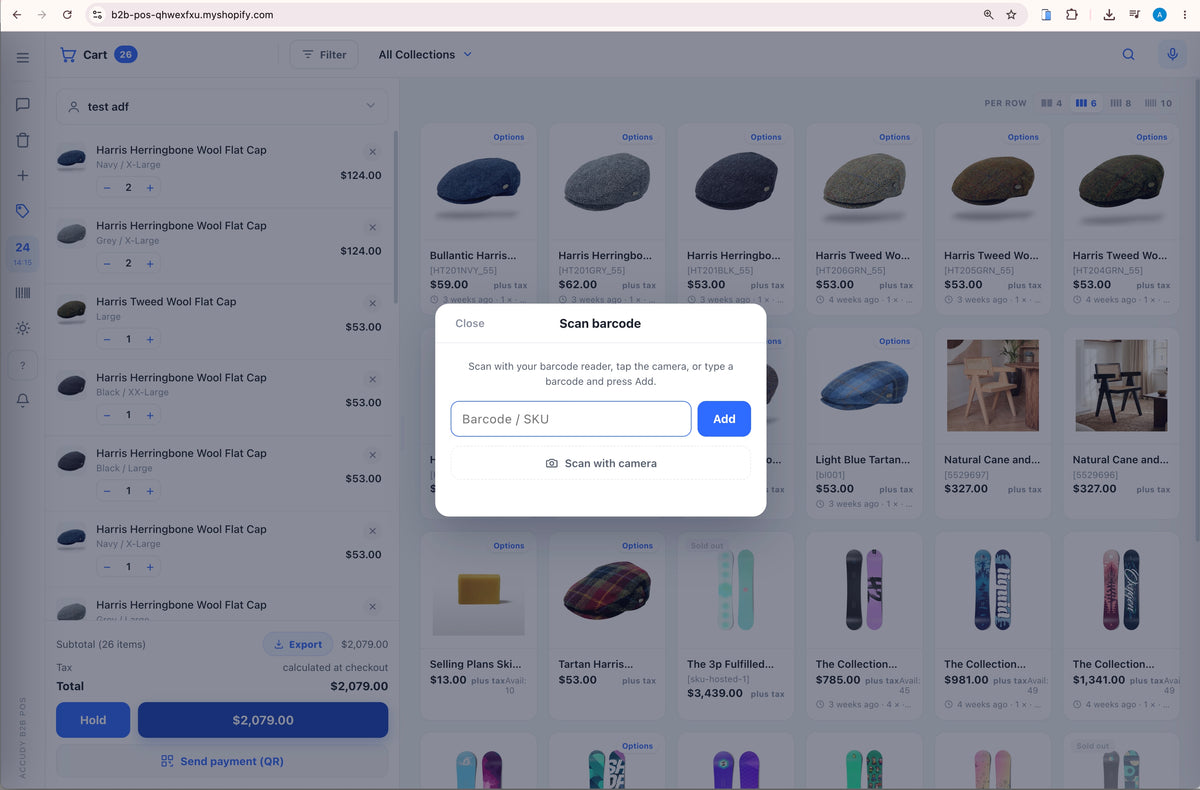
Hardware and camera scanning that even works on iPhone.
From first scan to a printed receipt.
Wholesale-ready ordering built into the theme.
Configure everything from Theme settings - no code.
Check your inbox - the first one lands shortly.
What we ship, what we are building, and the trade-counter patterns we keep running into. Roughly monthly. No filler.